

Overview
The Lyra API lets you programmatically create meetings, manage webhook subscriptions, and verify authentication tokens. The API follows REST conventions and uses JSON for request and response bodies. All requests are authenticated viaBearer tokens — either an API key or an OAuth access token.
Base URL
Quick Start
1
Generate an API Key
Navigate to Settings → Developers → API Keys in your Lyra dashboard and click Create API Key.Give your key a descriptive name, then copy the generated key immediately — it will only be shown once.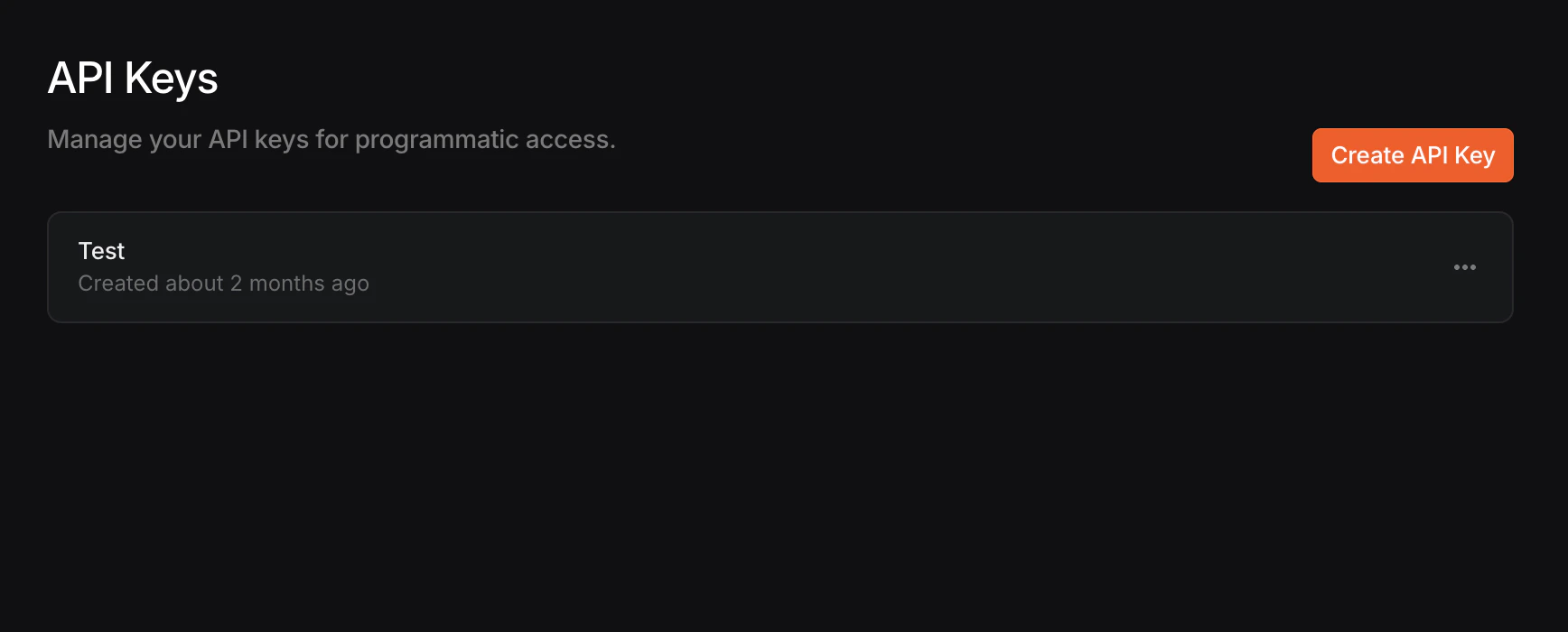
2
Verify Your Key
Test your API key by calling the authentication endpoint:You should see a successful response:
3
Create Your First Meeting
Authentication
All API requests require anAuthorization header with a Bearer token.
Error Handling
The API uses standard HTTP status codes. Error responses include anerror field with a human-readable message.
Need Help?
OAuth
Set up OAuth for third-party integrations with scoped permissions
Support
Reach out to the Lyra team for assistance